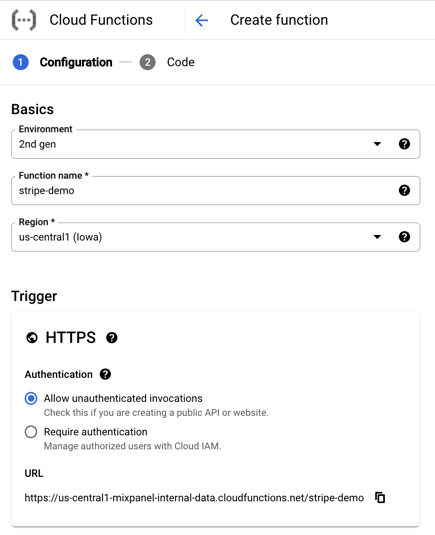
Step 1: Create a Cloud Function
Create a new Cloud Function, set the trigger toHTTPS, and check the box to Allow Unauthenticated Invocations, since this will be called from Stripe. Copy the URL, which should look something like https://<zone>-<your-gcp-project>.cloudfunctions.net/stripe-demo.
/import API:
Deploy, which enables your Cloud Function to listen for new events.
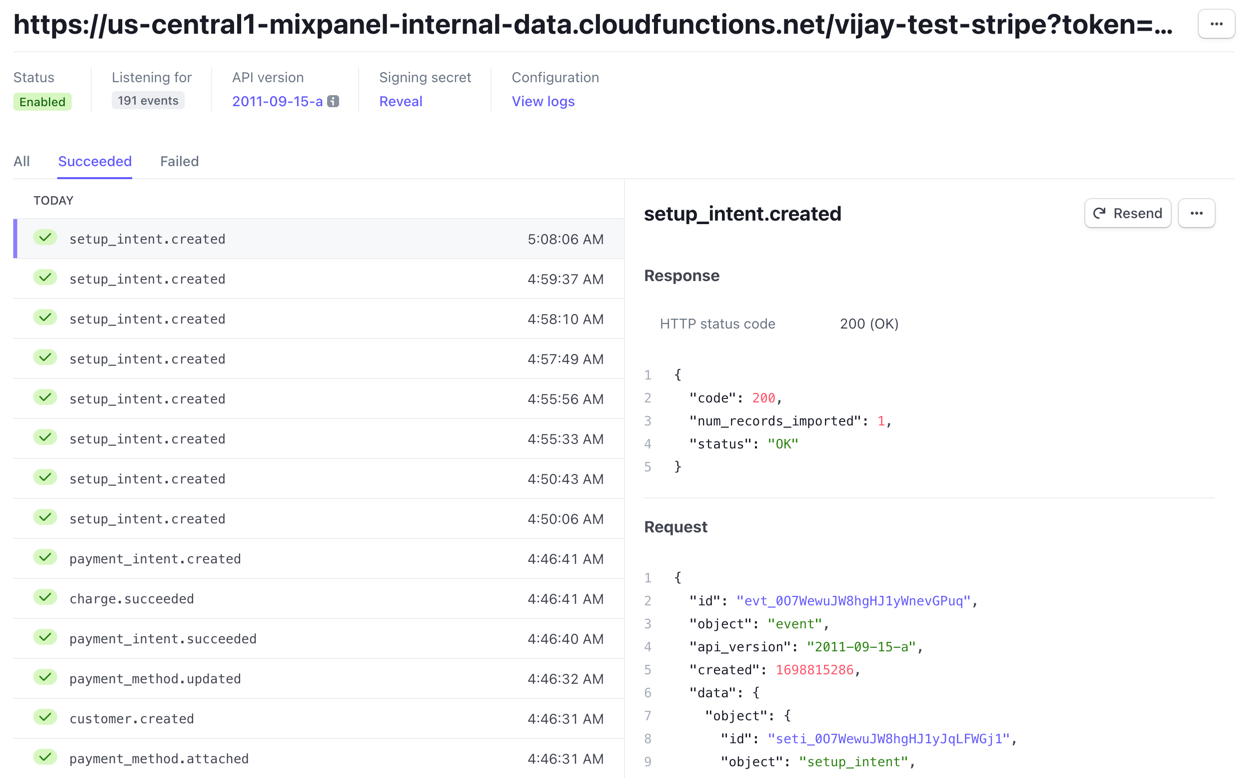
Step 2: Create a Stripe Webhook
Create a Stripe Webhook and paste in the URL of your Cloud Function, with your Project Token as thetoken query parameter. So it should look something like <function_url>.cloudfunctions.net?token=<your_token>.
We recommend selecting all events, since it affords the most flexibility and you can filter them down easily in Mixpanel.